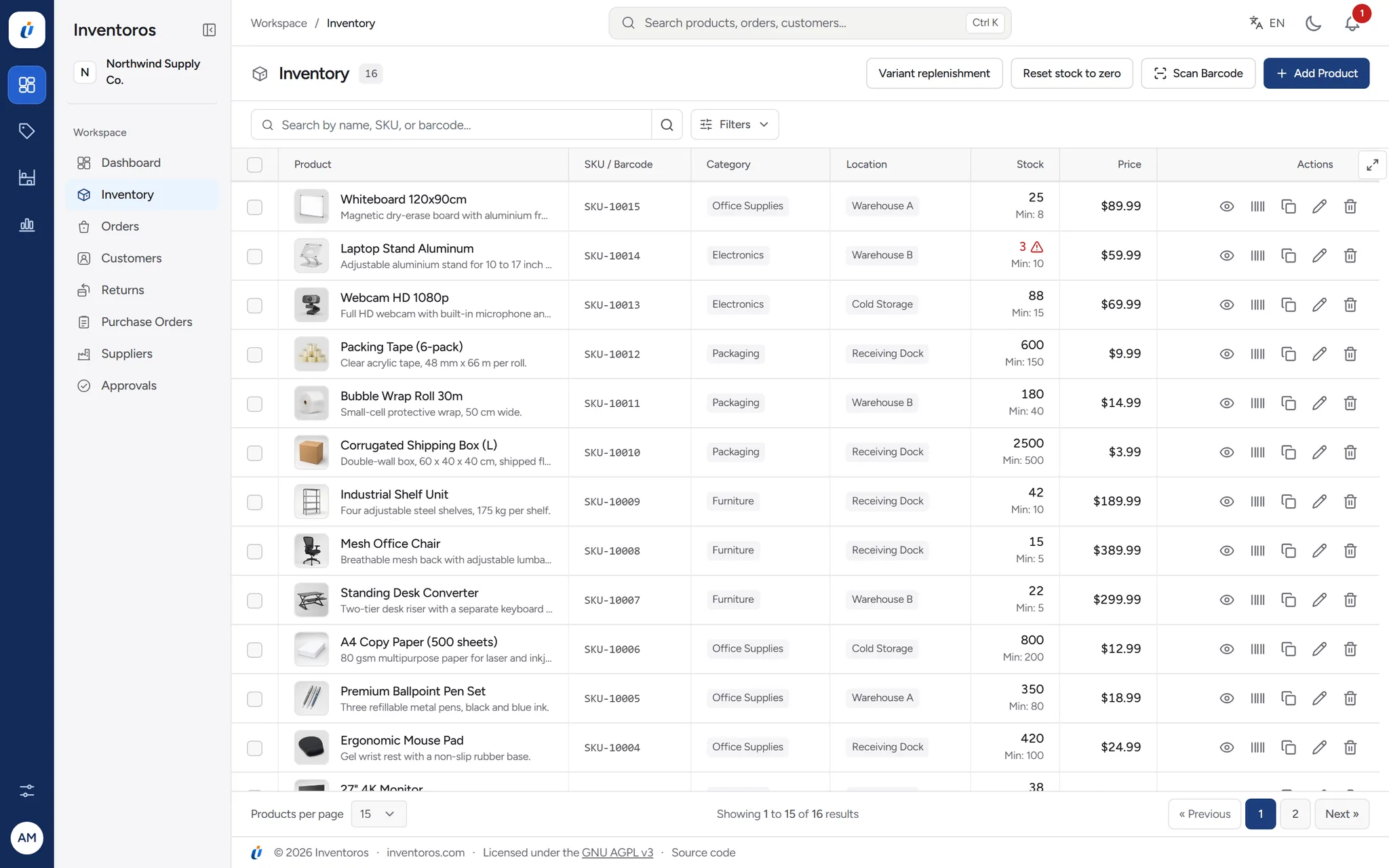
Stock by warehouse, bin and status
The Stock by warehouse screen lists every product and variant SKU with its balance in each location, the quantity reserved, the quantity available and what is on its way in from transfers. Filter it by warehouse and export it to CSV. The REST API returns the same balances from /api/v1/stock-balances.
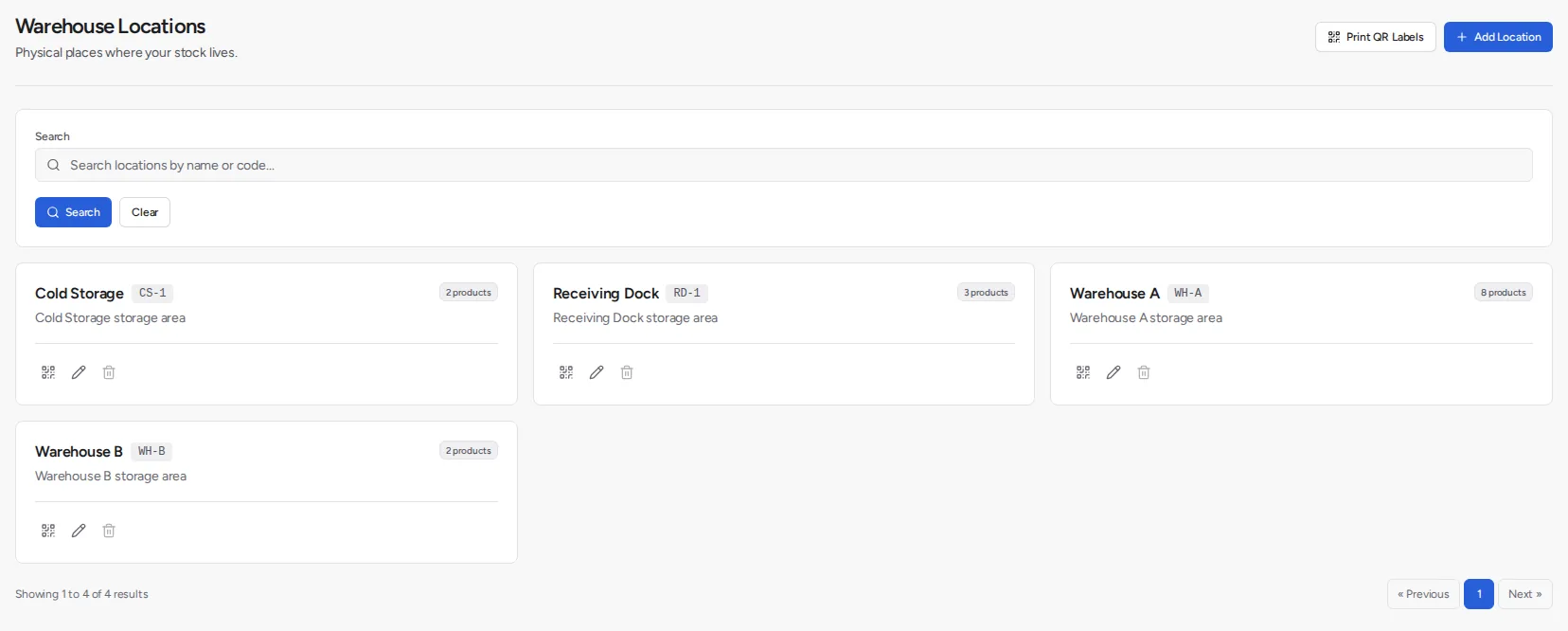
Reservations sit on top of on-hand stock. A hold can cover a product total, one bin, a variant, a serial or part of a batch, and every step that takes stock out checks against on hand less active holds. The Reservations page lists them and lets a stock manager release one.
How an order takes stock off the shelf
Creating an order deducts stock straight away; shipping is a later step. When the order names a warehouse, its units come from that warehouse's bins first, then from other warehouses in priority order. Batch-tracked products give up the batch that expires first, and serial-tracked products their oldest available serials.
The pick list for an order shows the warehouse, each line's SKU and the quantity still to pick. Units on backorder and units already shipped are left off, and a kit is listed as the components it took. Each shipment gets a packing slip with no prices, so an order can go out in several parcels with the right paperwork in each. The pick, pack and ship guide covers the steps around those documents.
Barcode scanning on the warehouse floor
USB and Bluetooth scanners that type like a keyboard work on the receiving, stock count, transfer, stock adjustment and order screens, and on the product list. On a phone or laptop, the camera scans instead. Product barcodes can be Code 128, EAN-13, UPC-A, EAN-8 or Code 39, and products and storage locations print QR labels. The barcode inventory setup guide walks through labels and scanners.
Reorder points per warehouse
Set a reorder point, reorder quantity, minimum and maximum for each product in each warehouse. A threshold per warehouse catches a branch running short while the main site still has plenty. Variants can have their own replenishment target per warehouse, with a minimum order quantity and an order multiple that quantities are rounded up to, and Inventoros turns them into draft purchase orders on request or once a day. The reorder point formula shows how to work out the number.
Several companies or clients in one installation
A user can belong to several organizations and switch between them from the top bar. Each organization keeps its own warehouses, stock, settings and role assignments, which suits a group of companies, or a 3PL keeping each client's stock apart.
When to choose a different WMS
Inventoros does not direct the work on the floor. There is no wave, batch or zone picking, no putaway or slotting logic, no labour tracking, no billing for 3PL storage and handling, and no EDI. Pick lists are printed per order and do not show bin locations. If you run a distribution centre where pickers follow system-directed tasks on handheld terminals, choose an enterprise WMS built for that. The comparison pages set Inventoros against other inventory software, starting with Odoo.
Choose Inventoros when you need accurate stock across a few sites, with receiving, transfers, counts and lot or serial tracking, and someone who can run a Laravel application. Before you commit, run the pilot in the open source warehouse management system guide: one receipt, one transfer and one outbound order with your own products.
Connect it to the rest of your stack
A REST API, a GraphQL API, signed webhooks and an MCP server cover products, stock, orders, purchase orders, transfers and shipments. API and MCP requests run with the permissions of the token that makes them. The free official Shopify plugin is available now, and plugins for WooCommerce, Amazon and ShipStation are coming soon. See the API documentation and the plugin marketplace.
What it costs to run
The licence is free. Budget for the server, backups, mail delivery and the hours someone spends on updates. The one-command Linux installer sets up a Docker stack and needs 1 GB of memory, with 2 GB recommended. The application needs PHP 8.4.1 or later, and a cPanel package covers shared hosting.
curl -fsSL https://inventoros.com/install.sh -o install.sh
less install.sh
sudo bash install.sh
Import a small catalogue, set up one warehouse with a few bins and run a receipt, a transfer and an order before moving live stock. For the stock side in more depth, see the inventory tracking software page.
Features as of Inventoros 2.8, November 2026.